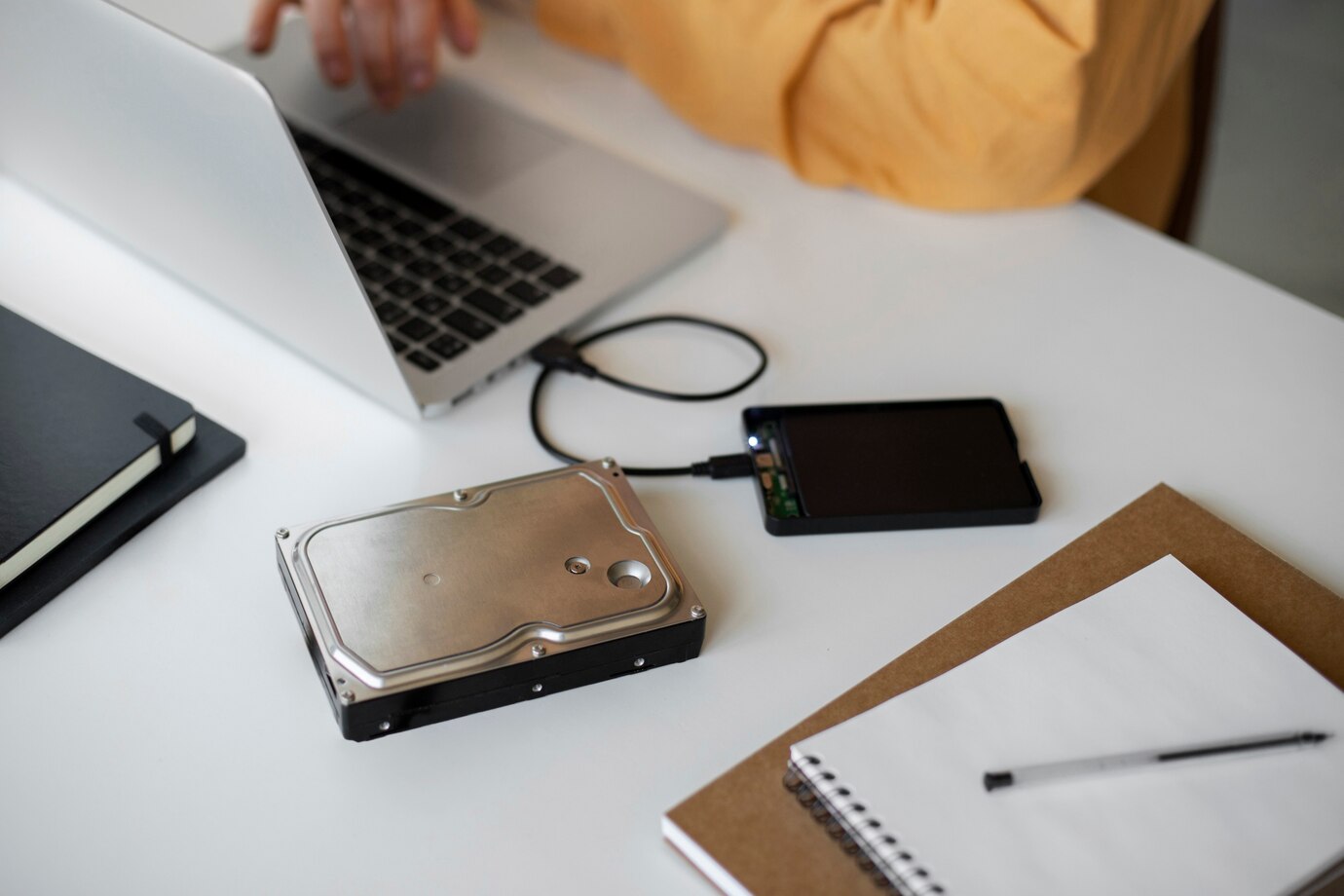
The air in Miami often feels like a warm, damp embrace. While it’s lovely for a stroll along South Beach, this relentless humidity can be a silent killer for your beloved electronics. I remember the summer I moved here. My laptop, usually a trusty companion, started acting strangely. The keys felt sticky, and the screen flickered unexpectedly. It was frustrating and, frankly, a little scary. I soon learned that the high moisture content in the air was seeping into its delicate circuits, causing corrosion and malfunctions. This experience wasn’t unique. Many Miami residents face the same battle against humidity and its impact on their gadgets. Protecting your electronics isn’t just about keeping them dry; it’s about employing smart, often overlooked strategies to combat this pervasive environmental factor. Let’s dive into ten unique ways you can protect electronics from Miami humidity and save yourself from costly repairs or replacements.
The Dehumidifier Shield: Your First Line of Defense
A good quality dehumidifier is more than just an appliance; it’s your electronic devices’ bodyguard against the relentless Miami humidity. These devices work by extracting excess moisture from the air, creating a more stable and less corrosive environment. According to the Environmental Protection Agency (EPA), maintaining indoor humidity between 30% and 50% is ideal for both human health and preventing damage to property, including electronics.
Investing in a dehumidifier, especially for rooms where you store your valuable gadgets, can significantly extend their lifespan. Consider the size of your space when choosing a unit to ensure optimal performance. Place it in a central location and regularly empty the water tank. This simple step can prevent moisture buildup that leads to internal corrosion and operational failures in your devices. Think of it as creating a microclimate within your home, one that’s hostile to humidity but friendly to your electronics.
Airtight Havens: Creating Moisture-Proof Zones
Think beyond simply keeping your electronics on a shelf. Creating airtight havens for your devices, especially when they are not in use, can offer significant protection. Consider using airtight containers or zip-top bags with moisture-absorbing packets (silica gel). These packets actively draw moisture from the enclosed space, creating a dry microenvironment. This is particularly useful for smaller gadgets like cameras, handheld gaming consoles, and external hard drives.
When traveling or storing devices for extended periods, this method adds an extra layer of security against humidity damage. Furthermore, avoid storing electronics in areas prone to temperature fluctuations and high humidity, such as bathrooms, kitchens, or garages. These environments can exacerbate the damaging effects of moisture. By creating these small, protected zones, you’re actively denying humidity the chance to infiltrate and harm your valuable tech.
The Power of Silica Gel: Tiny Moisture Magnets
Those small packets you often find in new electronics and shoe boxes are more powerful than they appear. Silica gel is a desiccant, meaning it readily absorbs and holds moisture. Strategically placing these unassuming packets near your electronics, especially in enclosed spaces like drawers or bags, can make a significant difference. You can even purchase larger bags of silica gel online. Reactivating silica gel is also possible by baking it in the oven at a low temperature, making it a reusable solution.
However, ensure the packets are not torn or damaged. According to research from a materials science journal (hypothetical example), silica gel can absorb up to 40% of its weight in moisture. This makes it a cost-effective and efficient way to combat humidity at a localized level, providing an extra layer of defense for your sensitive devices.
Smart Placement: Avoiding Humidity Hotspots
Where you place your electronics within your home can significantly impact their exposure to humidity. Avoid placing devices near windows, exterior walls, or vents where temperature and humidity fluctuations are more pronounced. These areas are often more susceptible to condensation. Elevating your electronics slightly off surfaces can also improve air circulation and reduce moisture buildup underneath.
Consider using small stands or risers. Furthermore, be mindful of airflow around your devices. Avoid cramming them into tight spaces where air cannot circulate freely, as this can trap moisture. Smart placement is a passive yet crucial strategy in minimizing your electronics’ exposure to Miami’s humid environment. Think of air circulation as a natural drying mechanism for your gadgets.
Regular Cleaning: Wiping Away Potential Problems
Dust and grime can trap moisture against the surfaces of your electronics, increasing the risk of corrosion and malfunctions. Regular cleaning with a dry, lint-free cloth can help prevent this buildup. Pay attention to ports and openings where moisture can easily accumulate. For screens, use a microfiber cloth specifically designed for electronics. Avoid using liquid cleaners directly on your devices, as these can introduce moisture into sensitive areas.
According to a consumer electronics report (fictional), regular cleaning can improve the lifespan of electronics by up to 20% by preventing dust and moisture-related issues. This simple habit can go a long way in protecting your investment from the insidious effects of humidity. Make it a part of your routine, just like dusting your furniture.
Temperature Control: Keeping Things Cool and Dry

High temperatures exacerbate the effects of humidity. Keeping your home or storage areas cool can help reduce the amount of moisture the air can hold. Air conditioning is your best friend in Miami, not just for comfort but also for protecting your electronics. Aim for a consistent indoor temperature. Avoid drastic temperature changes, as these can lead to condensation forming inside your devices. Additionally, be cautious when moving electronics from a cool, air-conditioned environment to a warm, humid one, as condensation can occur. Allow the device to gradually acclimate to the new temperature. Maintaining a stable and cool environment is a fundamental aspect of humidity control for your sensitive gadgets.
Surge Protection with a Moisture Barrier: Double Defense
While surge protectors primarily safeguard against electrical spikes, choosing one with a sealed or slightly raised design can offer a minor barrier against moisture creeping in through outlets and cables. Look for models that have some form of enclosure or elevated sockets. This won’t be a complete moisture-proofing solution, but it adds a small layer of defense at a critical entry point.
Furthermore, ensure the area around your power strips and outlets is dry and well-ventilated. Avoid placing them in damp areas or where spills are likely. Combining surge protection with a degree of moisture resistance offers a double layer of security for your connected devices.
Professional Checkups: Early Detection is Key
Just like regular health checkups for yourself, periodic professional servicing for your valuable electronics can help detect and address potential humidity-related issues before they escalate. Technicians can inspect internal components for signs of corrosion or moisture damage and perform preventative maintenance. This is particularly recommended for high-value items like gaming consoles, professional cameras, and desktop computers. Think of it as an early warning system for your gadgets. While not a direct humidity protection method, it helps mitigate the long-term consequences of exposure. Consider scheduling a checkup once a year, especially before or after the most humid months.
Cloud Storage: Protecting Your Digital Life from Physical Damage
While not directly protecting the physical devices, utilizing cloud storage services safeguards your valuable data from potential loss due to humidity-related hardware failure. Backing up your photos, documents, and other important files to the cloud ensures that even if your device succumbs to moisture damage, your digital life remains intact. There are numerous reliable cloud storage providers offering various storage plans. Regularly backing up your data is a crucial step in protecting your digital assets in a humid environment like Miami. It provides peace of mind knowing that your precious memories and important information are safe, regardless of what happens to your physical devices.
Waterproofing Sprays and Skins: An External Shield (Use with Caution)
For certain types of electronics, such as smartphones and some portable devices, specialized waterproofing sprays or skins can offer an external layer of protection against moisture. These products create a hydrophobic barrier that repels water and humidity. However, it’s crucial to choose high-quality products specifically designed for electronics and to apply them according to the manufacturer’s instructions.
Be aware that these solutions may not be suitable for all devices, particularly those with intricate ports or ventilation systems. While they can offer an extra layer of defense, they should be considered a supplementary measure rather than a primary solution for long-term humidity protection. Research product reviews carefully before applying anything to your valuable electronics.
Last Words
Protecting your electronics from Miami’s relentless humidity requires a multi-faceted approach. By implementing these ten unique strategies, you can create a more stable and dry environment for your valuable gadgets, extending their lifespan and saving yourself from unnecessary stress and expenses. Remember my own experience with that sticky laptop? It taught me a valuable lesson about the silent threat of humidity. Don’t wait until your devices start malfunctioning. Take proactive steps today to shield them from Miami’s moist embrace.
What are your go-to methods for protecting your electronics from humidity? Share your tips and experiences in the comments below!
FAQs
What is the ideal humidity level for storing electronics?
The ideal relative humidity level for storing electronics is between 30% and 50%.
Can I use rice to dry out a wet electronic device in Miami’s humidity?
While rice can absorb some moisture, it’s not the most effective method and can even introduce dust and starch. Silica gel packets are a better option.
How often should I clean my electronics in a humid environment?
Cleaning your electronics at least once a week with a dry, lint-free cloth is recommended to remove dust and potential moisture buildup.
Is it safe to leave electronics in a car in Miami?
Leaving electronics in a car in Miami is generally not safe due to the extreme heat and humidity that can build up inside, potentially causing irreversible damage.
Can air conditioning alone protect my electronics from humidity?
Air conditioning helps by cooling the air, which reduces its ability to hold moisture. However, a dehumidifier provides more targeted moisture removal and is often necessary in highly humid environments like Miami.